If you are looking to find your current IP(Internet Protocol) you can find this in either your phone or computer by just following these quick steps.
How To find IP address on Phone
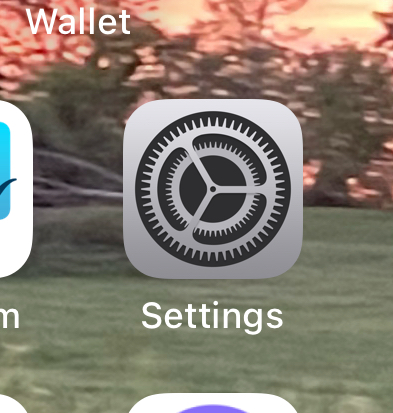
- Navigate to Settings app on either Android or Apple.
2. Once you are on the Settings app on either Apple or Android, Go to WI-FI one of the top options in Network Settings.

3. Once you are the Wi-Fi Section. You should be able to see which network you are connected to, if it is Wi-fi click on it, it will open the Wi-Fi page. Scroll down.
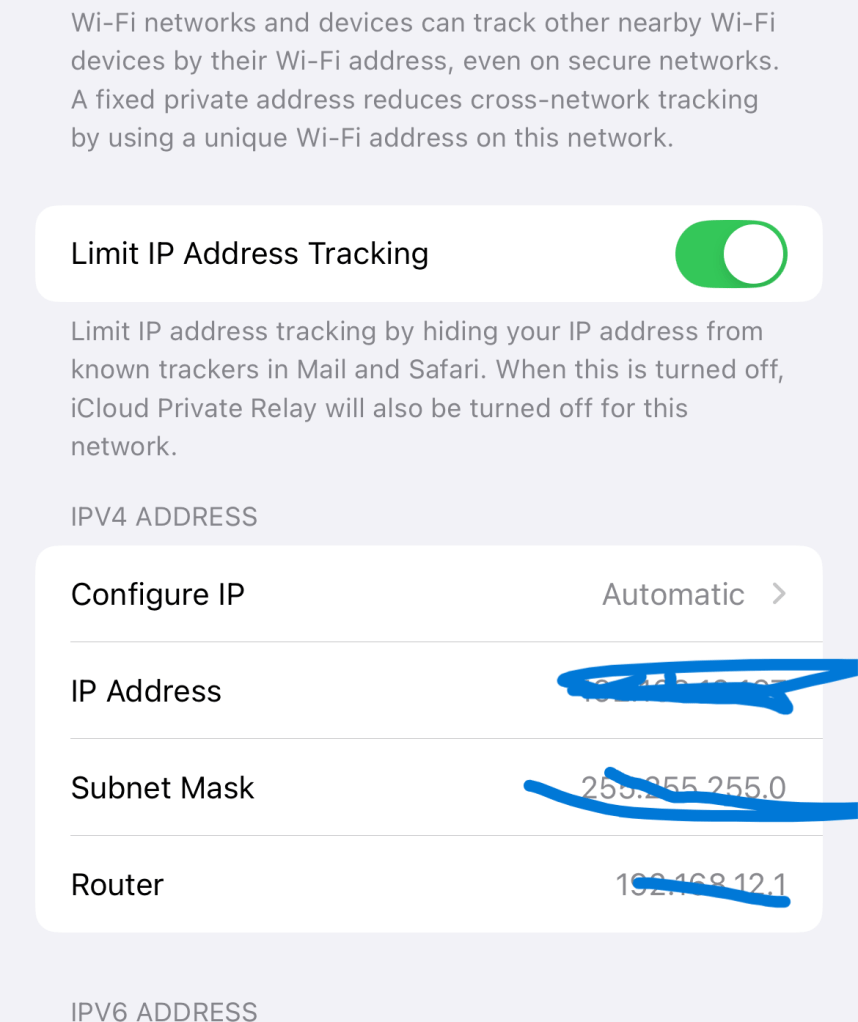
You can see when you scroll down it gives you information about your IP and Subnet Mask, which you only want to focus on the IP address.
How To Find IP address in Computer
- Go to Search Icon that is anywhere on you desktop. Type Settings.
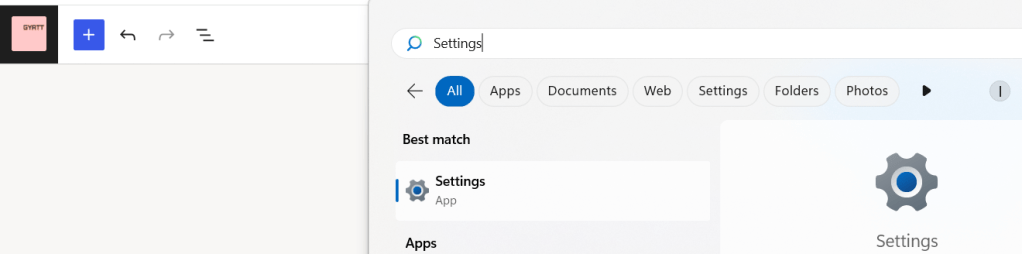
2 . The Settings Apps should pop out. Click on it. It will take you the the Settings page where bunch of options are available. We want to go to Network and Internet on the side bar on the left side.

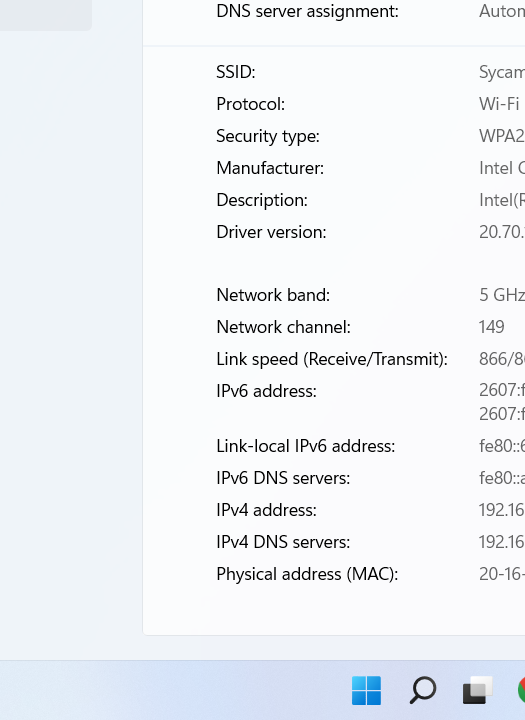
3. When you in there click on the Wi-Fi option on the setting( if any connected). When you are in the Wi-fi page scroll down to find all the information about the Wi-fi and IP address.
 Gyatt
Gyatt 
Leave a comment